

Send Email
The Send email function allows the AI assistant to send an email with the specified content to any destination email address. This allows your AI assistant to send requested information to callers, such as booking confirmations.
How To Configure Email Sending
The Send email function is configured in the tools section of the AI assistant. Define a new function and describe in the description under which conditions an email should be sent. This can also be done as part of information collection.
Example: Call this function when the caller provided their first and last name.
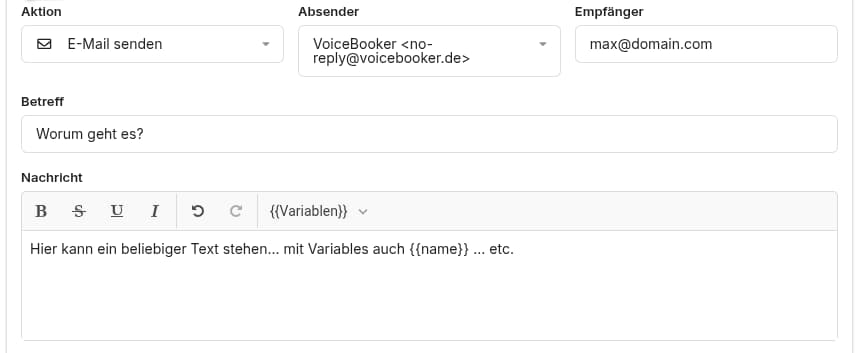
Choose the action Send email as shown below:
Programmatic Email Sending
Email sending can also be triggered programmatically from any JavaScript code snippet at any time by calling sendEmail() as shown below:
function myFunction(params) {
    // ... some code ...
    sendEmail("yourname@youdomain.com", "This is the email subject", "This is the email body" + params["name"]);
    // ... some code ...
}